Your account
You can browse products without signing in. To upvote, comment, join a Talk or submit a product, create an account with email and password, or sign in with Google or GitHub. Once you are in, add a profile photo, a bio and your links so people know who you are.
For users
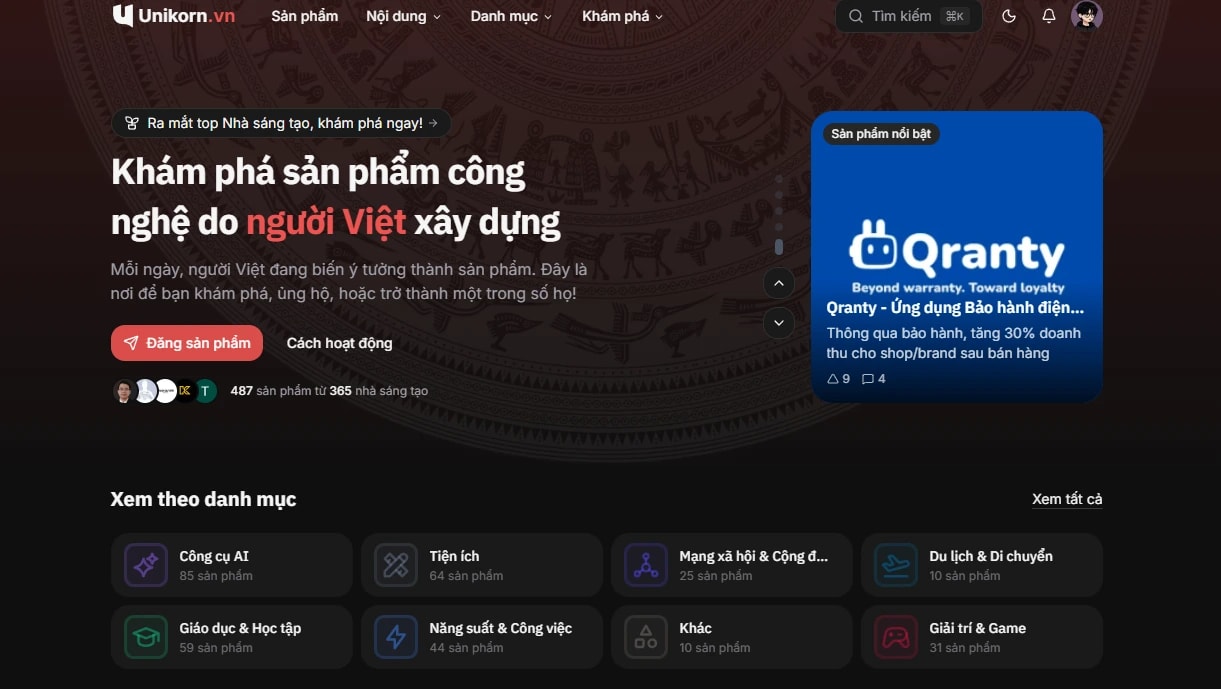
Browse and search
- Home page: products that just launched and the ones getting the most votes.
- Categories and tags: filter products by area, such as AI, developer tools or productivity.
- Search: click the search box in the header or press Ctrl+K (Cmd+K on macOS).
- Leaderboard: the leaderboard ranks products by day, week, month and year, plus boards for makers and members.
Upvote
Click the upvote button on a product you think is good. Each upvote is weighted by your level, so a higher level gives your vote more weight. See vote weight for details and ranking for how votes affect a product's position.
Comments and Talk
Every product has comments and Talks. A Talk is a discussion thread about the product: ask the maker a question, share how you use it, compare it with other tools. You can start a Talk, reply and like other people's Talks.
Pulse
Pulse is the shared community feed. It carries Talks, polls and product ideas. Type @ to mention another member.
Collections and following
- Save products to your collections to come back to later, or share a collection with others.
- Follow makers and collections to get notified about updates.
Product feedback
Each product page has a feedback section for bug reports, feature requests and improvement ideas. You can vote on other people's feedback, follow its status on the roadmap and read the changelog when the maker ships an update.
Support a maker
If a maker has turned on support, you will see a coffee button on their profile. Payment goes through VietQR. Read the payment policy before you send support.
For makers
Submit a product
- Sign in and go to Submit a product.
- Paste the product URL. Unikorn tries to pull the name, description and images from the website so you can edit them.
- Fill in a short name, tagline, description, logo, images, category and tags. The form shows a checklist of what the description should cover.
- Submit the product for review. Once approved, it goes live on the home page in the next launch.
Review criteria, claiming a product, the embed badge and the tools you get after launch are covered in For makers.
After launch
- Reply to comments and Talks so users know you are listening.
- Work through feedback, update the roadmap and post a changelog when you ship.
- Track your product's numbers in the dashboard.
Points, levels, tasks and streaks
Points and levels
Most activity on Unikorn earns points: upvoting, commenting, starting a Talk, submitting a product, receiving upvotes. Points move you up levels, and your level sets your vote weight and unlocks some benefits. Points per action are listed on points, level thresholds on levels, and achievements on achievements.
Daily tasks
Every day Uni gives you a few small tasks, such as upvoting some products, replying to a Talk or updating your profile. Complete them to earn extra points. New tasks appear on your first visit of the day, based on Vietnam time.
Streaks
Be active on Unikorn on consecutive days to keep your streak. Longer streaks unlock more achievements. Missing a day can reset your streak, so stop by every day.
Need help
Check the FAQ first. If your question is not answered there, email [email protected] or see contact.