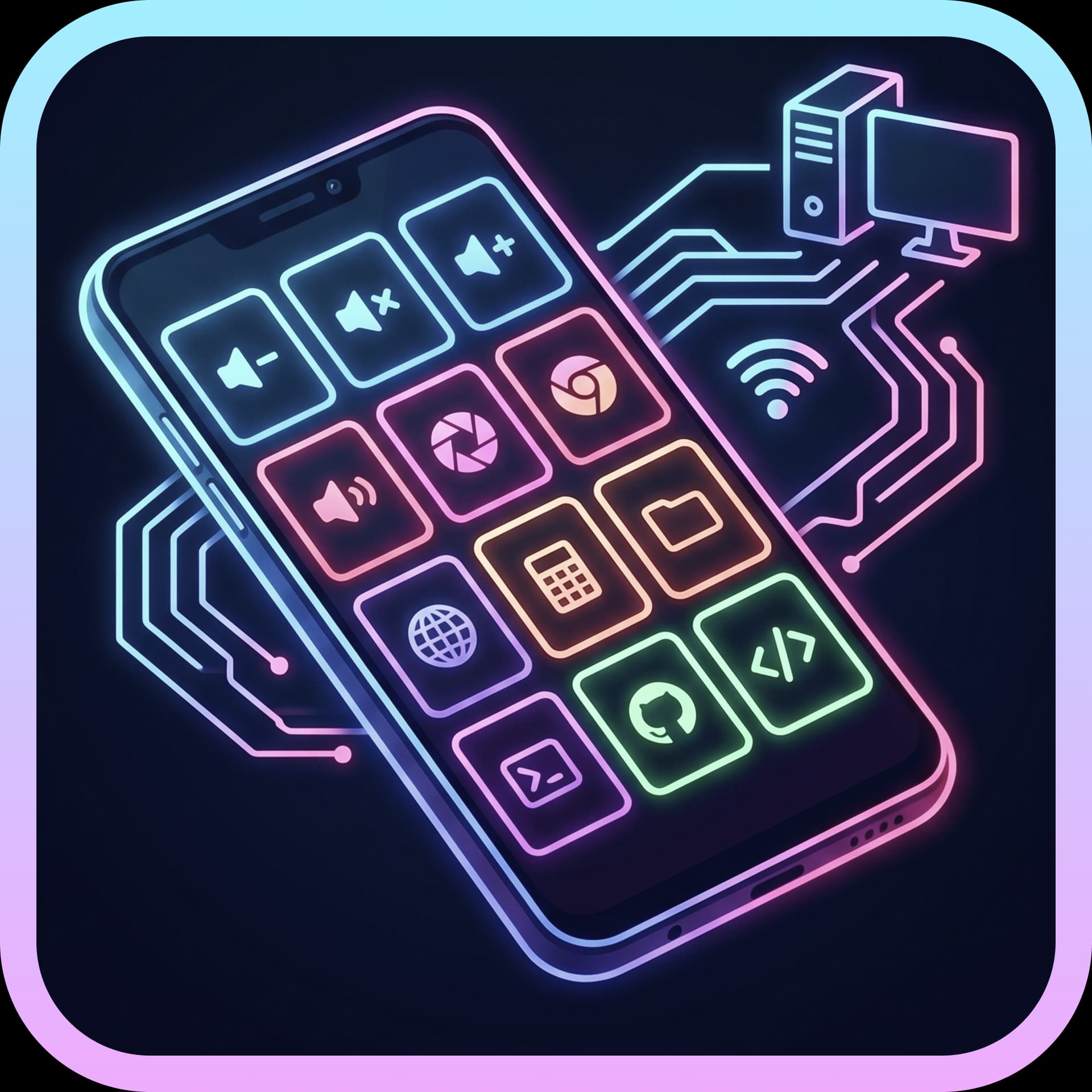
Android Stream Desk is an open-source project that transforms old, dusty Android devices into a wireless macro keyboard (Macro Pad / Stream Deck) to control Windows and macOS computers over a LAN (Wi-Fi), optimizing work and entertainment performance without the high costs of expensive hardware.
The project is built on a separated architecture: Companion (Backend in Rust, Dashboard interface in Vue/Nuxt) installed on the computer, and Client (native Mobile application or Web Client) running on peripheral devices. The two components communicate in real-time via WebSocket protocol with very low latency (only 15–30ms), ensuring absolute security as data does not pass through any intermediary Cloud servers.
🚀 Core Features
Flexible Shortcut & Macro Chain Creation: Configure button presses to automatically trigger key combinations, quickly open applications, adjust system volume, or activate complex Terminal commands (cmd, sh) with just one touch.
Integrated Web Client (New): In addition to the APK installation file for Android, the system comes with a built-in static HTTP Server. iPad, iPhone, or older tablet users can simply access the internal IP address via a browser to use it as a macro keyboard without needing to install an application.
Instant QR Code Connection: Eliminates the need for manual entry of IP addresses and Ports. The application supports scanning QR codes for quick configuration and linking between the phone and computer.
Smart App Picker: The Dashboard interface on Windows supports advanced searching (Fuzzy Search) of installed software on the machine, allowing for quick assignment of application paths to buttons without needing to manually copy the .exe file.
Drag-and-Drop Interface (Grid Drag & Drop): Freely customize the position, size of the button grid, change button colors through Hex codes (#RRGGBB), and align display frames (Display Fit Mode) to suit any screen aspect ratio.
Diagnostics HUD & Setup Checklist: The real-time dynamic diagnostics system displays the number of connected devices, checks for network port conflict status (Bind Error), checks system permissions (Accessibility on macOS, Firewall on Windows) along with visual troubleshooting guidance for new users.
🛠 Technologies Used
PC Companion (Backend & Core): Rust (Tauri / Tokio) — Ensures high performance, consumes very few system resources, and optimizes native system response.
Dashboard & Web Client: Vue 3, Nuxt 3, TypeScript — Smooth and intuitive configuration interface that responds well to all tablet/mobile screen sizes.
Android Client: Java / Kotlin (Android Native) — Optimizes installer size (Split APK by chip architecture helps reduce ~14MB), integrates a smart Screen Wake Lock feature to prevent screen off during connection and automatically release to save battery.
📦 Project Information


Reviews & comments