Auto-translated ·
DESIGN: OS 3D Blender Agent is a workflow for developers and technical artists who want to create mechanical models with parameters using Blender Python. The tool helps link inputs, shape code, geometry, and export files in one process so that users can test instead of just viewing a rendered image.
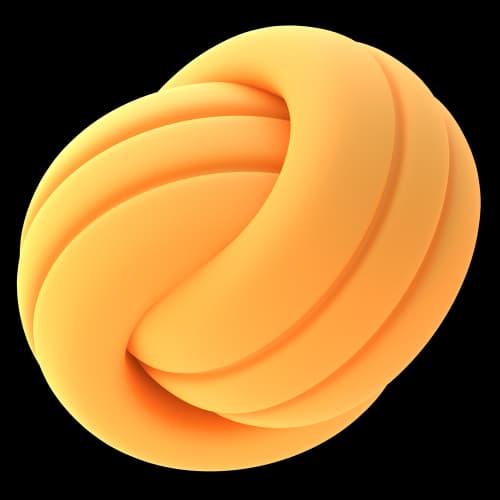
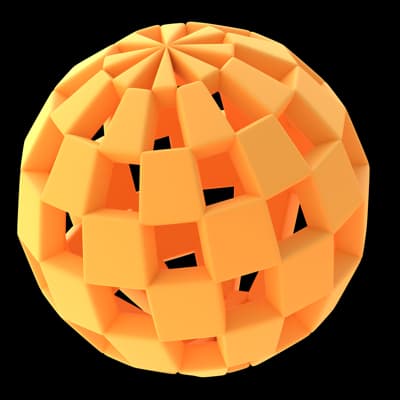
The illustration set uses a series of assembly NodeStack available in the repository. Viewers can follow the shaping steps, open scripts, change parameters, check topology, and view export files. Media is reused material from the project, not newly created for this post.
Suitable targets are developers building 3D tools, technical artists, and those experimenting with code-based shaping workflows. To get started, install Blender and the components specified in the README, clone the repository, run the examples according to the instructions, and then open the artifact in Blender. The approach focuses on the ability to revisit and recreate the workflow. Software rendering does not replace the need for physical printing or machining trials.
The project is developed by Jang Trịnh. I am responsible for branding, demo presentation, and launch documentation.
Repo: https://github.com/jangtrinh/design-os-3d-blender
Details: https://jangtrinh.github.io/design-os-3d-blender/
If using the code-based shaping workflow, what do you want to check first: parameters, topology, or export files?
t/designos-3d-blender-agent-jn
No talks yet. Create the first talk







Reviews & comments